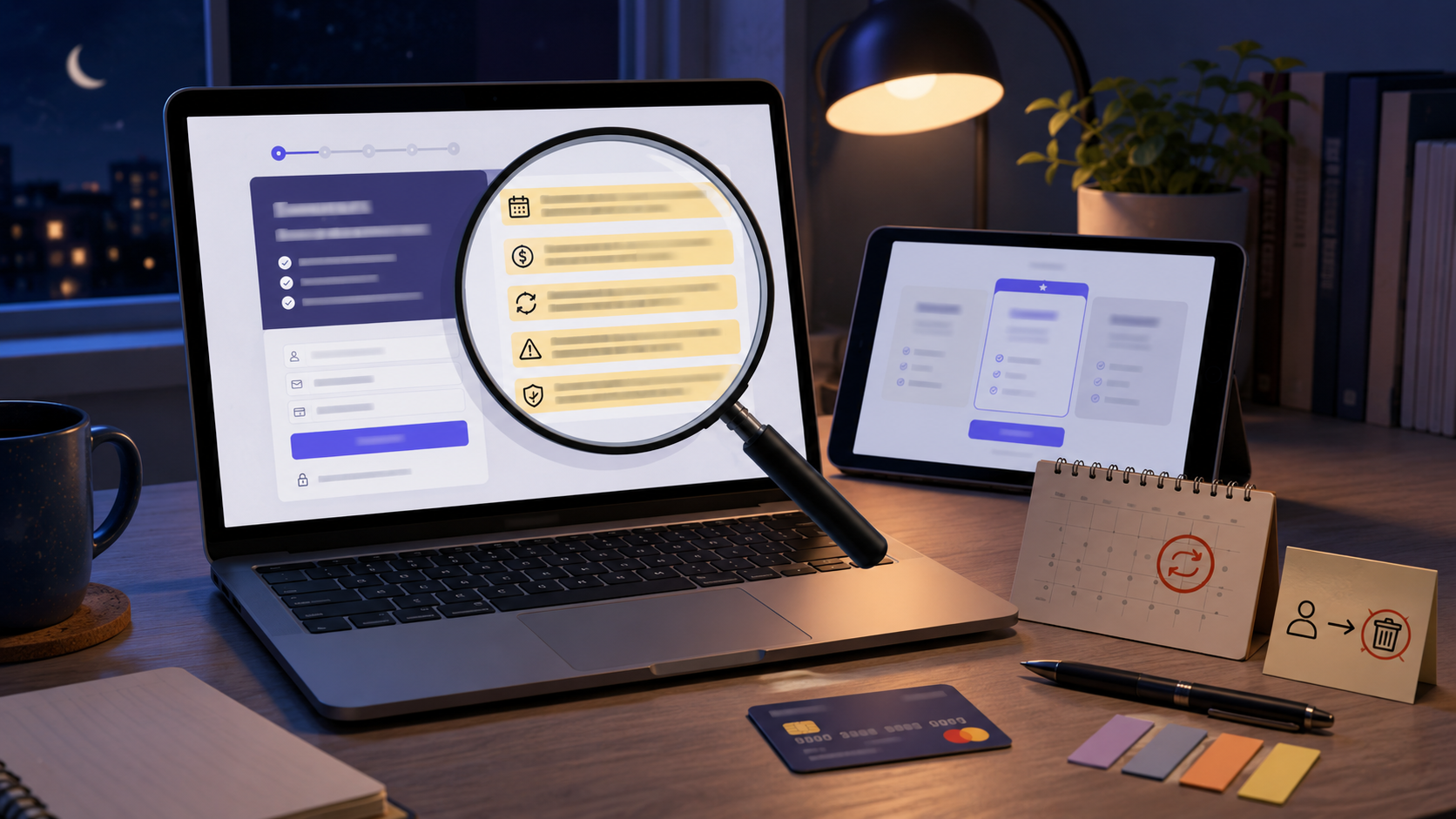
A free trial is not always free in the way people imagine.
The product may be free for seven days, but the signup often asks for a card. The trial may renew automatically. The renewal price may be higher than expected. Cancellation may be hidden in account settings. Refunds may be limited. Some features may disappear the moment you cancel.
The mistake is not using free trials.
The mistake is starting one without reading the five lines that decide what happens next.
You do not need to read every word of a long terms page before every small trial. That is not realistic. But you should read the lines that affect your money, cancellation, and access.
Here are the five lines to check before entering payment details.
Line 1: “After the trial, you will be charged…”
This is the renewal-price line.
Find the exact price before signing up.
You are looking for:
Monthly price after the trial
Annual price after the trial
Whether tax or fees are extra
Whether the price is promotional
Whether the first paid period is discounted
Whether the subscription renews monthly or yearly
Whether the plan changes after the trial
Do not stop at “free for 7 days.”
The real question is:
“What will this cost if I forget to cancel?”
Examples:
Free for 7 days, then $14.99/month
Free for 30 days, then $99/year
First month $1, then regular price applies
Trial includes premium plan, paid renewal continues on premium plan
Discounted trial renews at full price
The most dangerous version is the annual renewal. A small trial can become a large one-time charge if the subscription renews for a full year.
If the renewal price is hard to find, slow down. A company that wants your card should make the post-trial price clear.
Line 2: “Your trial ends on…”
This is the billing-date line.
You need the exact date when the trial changes into a paid subscription.
Do not rely on memory.
Write down:
Trial start date
Trial end date
First billing date
Time zone if mentioned
Whether billing happens at the start or end of the day
Whether cancellation must happen before the renewal date
For example, if your trial starts on February 20 and lasts seven days, do not assume you can cancel any time on February 27. Some services may require cancellation before the renewal date or before a specific time.
A safer habit is to set two reminders:
First reminder: two days before renewal
Second reminder: morning of the day before renewal
Do not set the reminder for the exact billing day. That is too late if you are busy, offline, traveling, sick, or locked out of the account.
The date is not a detail. It is the line between free and paid.
Line 3: “Cancel by…”
This is the cancellation-path line.
Before starting the trial, find out how cancellation works.
Look for:
Where to cancel
Whether cancellation is online
Whether you must call
Whether you must email support
Whether cancellation must happen through an app store
Whether cancellation must happen through the website
Whether deleting the app cancels the subscription
Whether account deletion is separate from cancellation
Whether there is a confirmation email or cancellation number
This matters because many people only search for cancellation steps after they are already charged.
Do that search before signing up.
Ask yourself:
Can I cancel in the same place I signed up?
Do I need to call during business hours?
Will I remember which account I used?
Did I sign up through the website, phone app, app store, or a partner?
Will deleting the app stop billing?
In many cases, deleting an app does not cancel a subscription. The billing relationship may still continue through the account, app store, payment method, or website.
Do not assume. Confirm.
Line 4: “Refunds are…”
This is the refund-policy line.
Some services may offer refunds in certain situations. Others may say charges are non-refundable once the trial renews. Some may offer partial refunds. Some may give account credit instead of money back. Some may depend on where you signed up.
Find this line before you start.
Look for:
Refund eligibility
Refund deadline
Whether renewal charges can be refunded
Whether partial refunds are available
Whether unused time is refunded
Whether refunds go to original payment method or account credit
Whether refunds depend on app store or third-party billing rules
Whether promotional trials have different terms
This line tells you how expensive a mistake could become.
If the trial renews at $9.99/month, the risk may be small. If it renews at $149/year and refunds are not offered, the risk is much bigger.
Do not treat a refund as guaranteed unless the terms clearly say so.
Line 5: “After cancellation…”
This is the access-after-cancellation line.
People often cancel a trial and then get surprised.
Some services let you use the trial until the end of the trial period. Others may end access immediately. Some may keep basic access but remove premium features. Some may delete saved work after a period. Some may keep the account but stop paid features.
Check what happens after cancellation.
Look for:
Do you keep access until the trial ends?
Does access stop immediately?
Will saved files, projects, or data remain?
Can you export your data?
Will downloaded content disappear?
Will trial features be removed?
Can you restart the trial later?
Does cancellation delete the account?
Does account deletion cancel billing?
This is especially important for:
Cloud storage
Design tools
Learning platforms
Business software
Finance apps
Health or fitness apps
Streaming services
Productivity tools
Apps where you create or store work
If your data, files, projects, or history matter, do not wait until the last day. Download or export what you need before cancelling.
The five-line free trial check
Before starting any free trial, fill this in:
Renewal price:
First billing date:
Cancellation method:
Refund rule:
What happens after cancellation:
If you cannot find one of these answers, that is the warning.
Not every unclear trial is a scam. Some companies simply write poor terms. But unclear terms still create risk for you.
A good trial should make the money path obvious.
Use a trial note before entering your card
Create a note on your phone called “Free Trials.”
For every trial, add:
Service name
Email used
Signup method
Trial start date
Billing date
Renewal price
Cancellation link or steps
Payment method used
Reminder date
Cancellation confirmation, after you cancel
This takes two minutes.
It prevents the common problem of forgetting which email, app store, card, or account was used.
A free trial is easier to control when all the details are in one place.
Do not start a trial if cancellation already looks annoying
A trial may be free, but your time is not.
Be careful if:
The renewal price is hidden.
Cancellation steps are vague.
You must call to cancel a simple online signup.
The company does not clearly say when billing starts.
Refund terms are missing.
The trial requires too much personal information.
You cannot find account settings before paying.
The signup page uses pre-selected add-ons.
The checkout page adds extra offers you did not choose.
The service makes “free” look bigger than the paid terms.
A difficult cancellation path before signup usually becomes more irritating after signup.
If you already feel trapped before starting, skip it.
Use a separate trial calendar
A trial reminder should not be mixed with random notes.
Put the renewal date into your calendar immediately.
Use a clear title:
Cancel or keep trial: [service name]
Set reminders:
Two days before renewal
One day before renewal
If the trial is expensive, add a third reminder halfway through the trial:
Decide if trial is worth keeping
This prevents the trial from becoming invisible.
The company is counting on automatic renewal. Your calendar is the counterweight.
Test cancellation early if you are unsure
For trials you are not serious about keeping, consider cancelling soon after signup if the service lets you keep access until the trial ends.
This is useful when:
You only need to test one feature
You know you will forget
The renewal price is high
You are signing up during a busy week
You do not fully trust the company
You only need temporary access
Before doing this, check the access-after-cancellation line. Some services end access immediately, so early cancellation may not work for your use case.
If access continues until the trial end, early cancellation can remove the risk of forgetting.
Watch for bundled trials
Some trials are not one product. They are a bundle.
You may start one trial and accidentally agree to:
Premium plan renewal
Add-on storage
Family plan
Extra channels
Insurance or protection plan
Partner offer
Paid upgrade after trial
Separate newsletter or marketing consent
Another service from the same company
Before confirming, check the final checkout page.
Ask:
What exactly am I starting?
Is there more than one subscription?
Are any boxes already selected?
Will another service bill me separately?
One card entry can sometimes create more than one future charge.
Do not rush the last screen.
Save proof of cancellation
When you cancel, save proof.
Keep:
Cancellation confirmation email
Screenshot of cancellation page
Date and time
Confirmation number
Chat transcript
Support ticket
Name of support agent, if relevant
Final screen showing subscription status
Do not trust “you’re all set” unless you can prove it later.
After cancellation, check your payment statement for the next cycle. If you are charged again, your proof matters.
Check your account after cancelling
After cancelling, log back in and check:
Does the subscription show cancelled?
Is auto-renew turned off?
Is there a renewal date still showing?
Are there multiple subscriptions under the account?
Did you cancel only one add-on, not the main plan?
Was the cancellation sent to email?
Did cancellation happen through the same place where billing started?
This extra check catches mistakes.
Some people think they cancelled because they removed an app, downgraded a plan, turned off notifications, or deleted an account. Billing may still continue depending on the service and signup method.
Verify the subscription status directly.
If you were charged after a trial
If you missed the renewal date, act quickly.
Steps:
Cancel immediately to stop future billing.
Save the cancellation proof.
Contact the company and ask whether a refund is available.
Mention the date you cancelled, if applicable.
Check the refund terms.
Contact the app store or payment platform if billing went through them.
Contact your card issuer or bank if the charge appears wrong or unauthorized.
Keep all records.
Do not wait through another billing cycle.
A missed trial charge is bad. A repeated subscription you forgot about is worse.
A simple example
You see a free 14-day trial for a design app.
Before entering your card, you check the five lines.
Renewal price: $19.99/month
First billing date: March 5
Cancellation method: account settings on website
Refund rule: renewal charges not guaranteed refundable
After cancellation: access continues until trial ends
Now the risk is clear.
You add a calendar reminder for March 3 and March 4. You save the cancellation page link in your trial note. After testing the app for two days, you decide you do not need it and cancel early. The app says access continues until March 5. You screenshot the cancellation confirmation.
That is a controlled trial.
You did not avoid the trial. You controlled the terms.
The final rule
Do not start a free trial until you know:
What it will cost.
When it will bill.
How to cancel.
Whether refunds are available.
What happens after cancellation.
These five lines are the difference between testing a service and accidentally buying one.
A free trial should be a decision, not a trap you discover on your bank statement.
Reader Discussion
Comments
Comments are reviewed before appearing publicly.Reader comments